

01
Keep personal documents safe
IDs, contracts, tax records and medical files — in an encrypted vault only you can open.
End-to-end encryption with zero-knowledge architecture, policy-based sharing, and audit-ready logs—built for teams that can’t afford leaks.
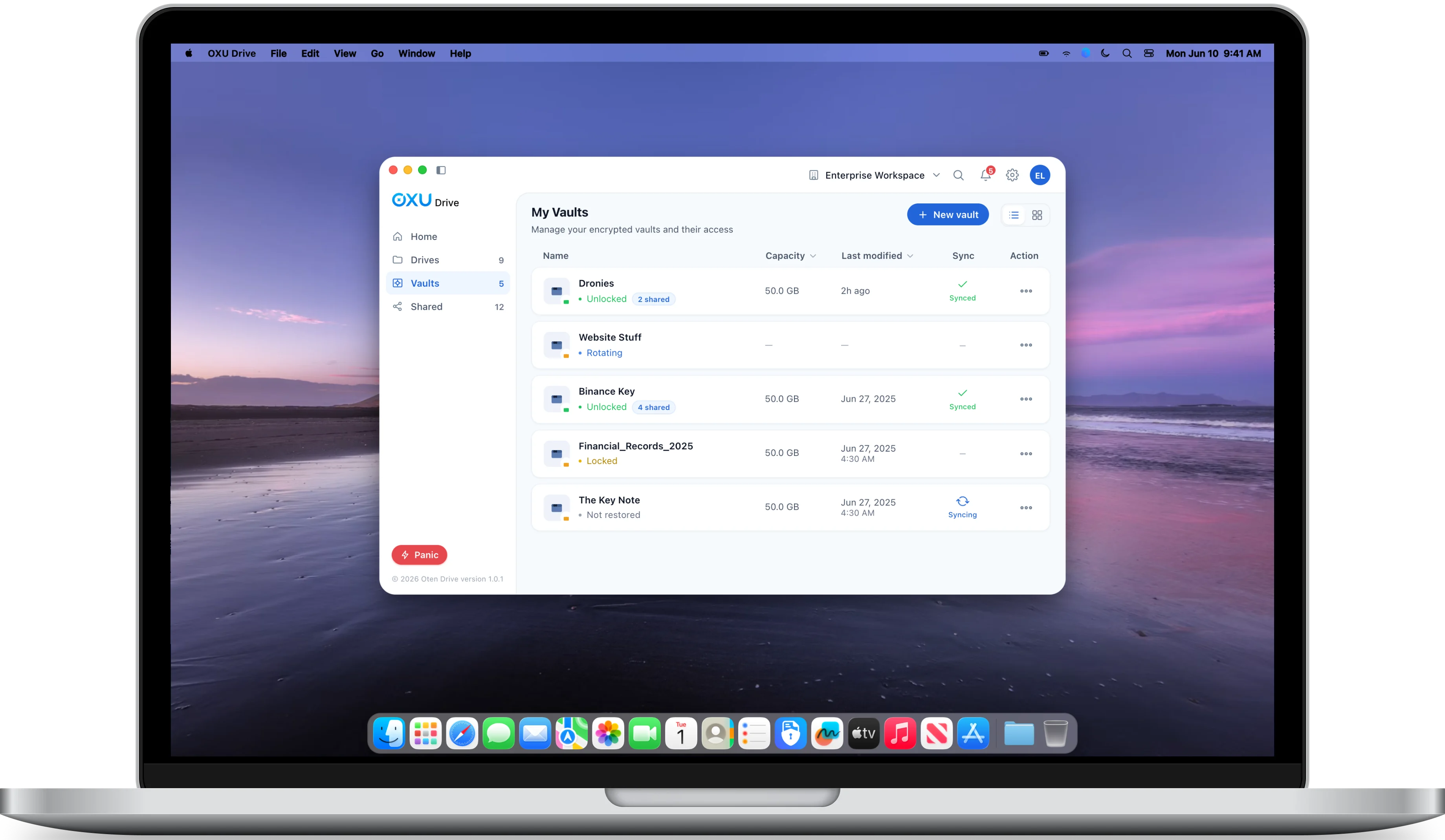

Store, share and manage files the way you always have — except every byte is encrypted and only you hold the keys.
Private encrypted storage for sensitive files.
Different spaces & data storage for the same drive.
Quick hide for sensitive data—on demand.
Seamless, secure multi-device workflow.
Collaborate with role-based access and share passwords.
Admin Console with RBAC, Audit Logs, SSO/IDP.
Create your private drive, add files, and choose who can access them. Keep working across Mac and iPhone with encryption built in.
View demo
Set up your private drive. Encryption is prepared locally before anything leaves your device.
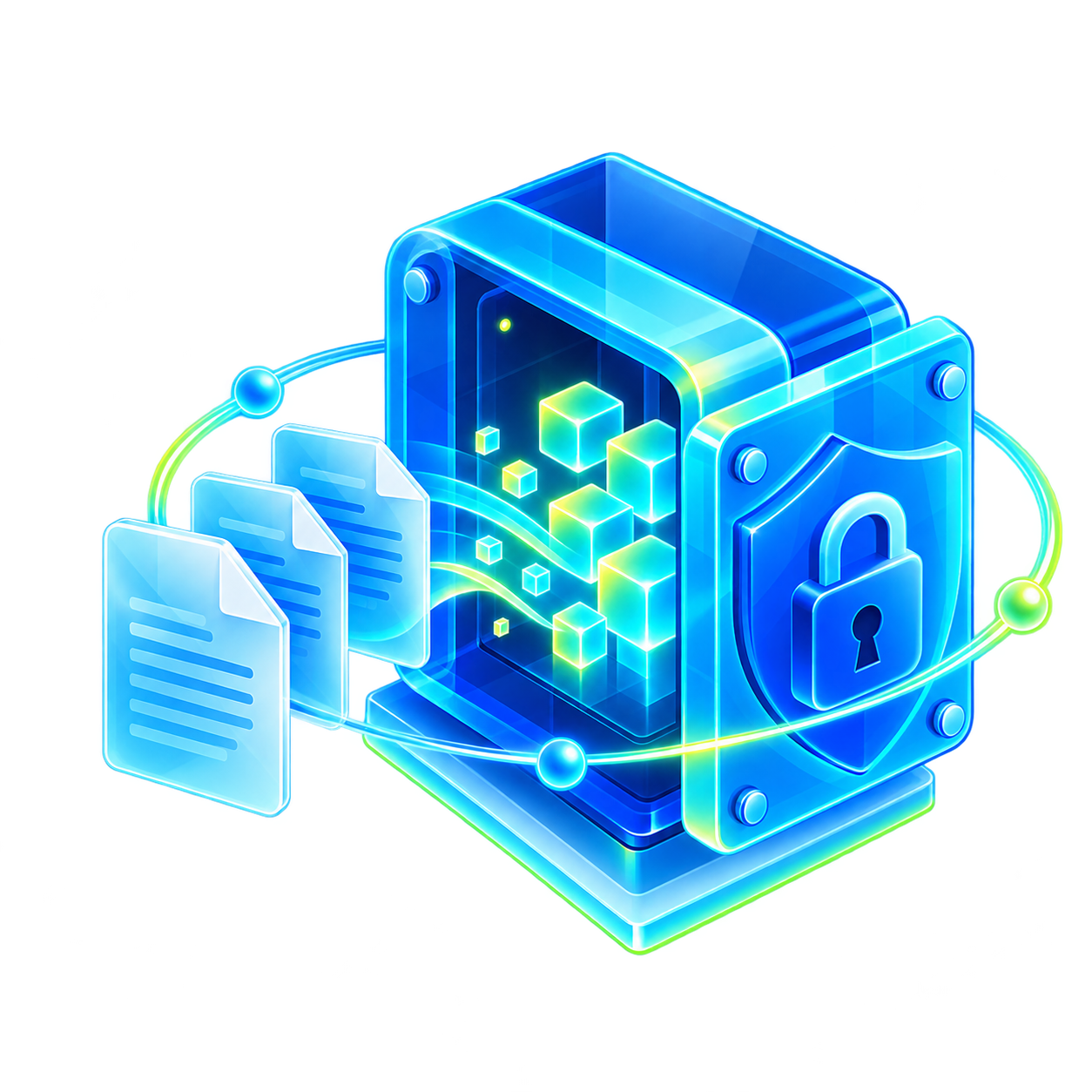
Add files/folders to your drive. Data is encrypted client-side before upload to ensure complete privacy.

Assign roles, set a share password, and configure expiration controls.

Transfer and sync encryption keys safely across all your devices.
Unlock OXU Drive with your PIN and reach every vault on the go. Browse, preview and share files from iPhone — encrypted the whole way.
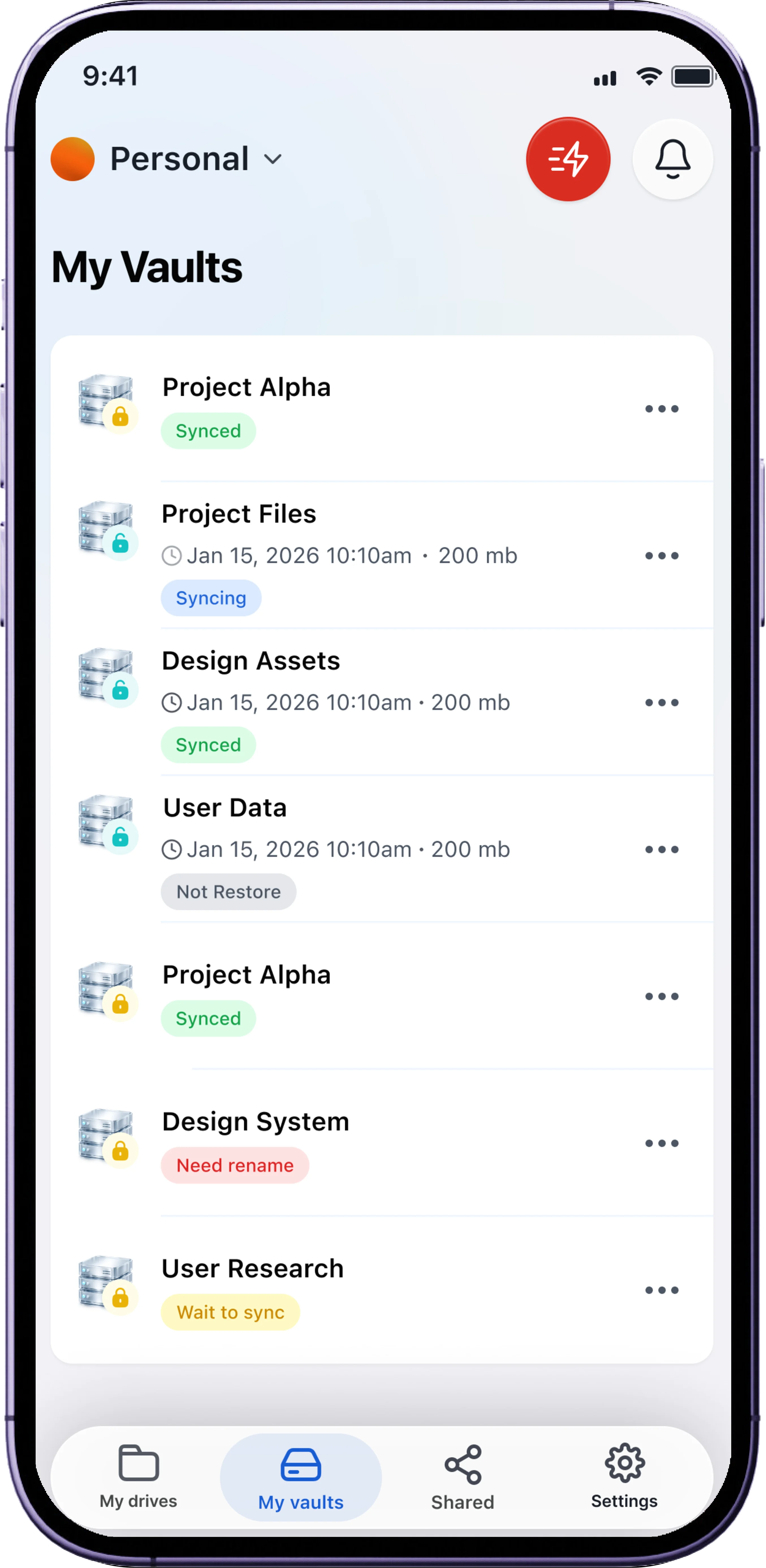
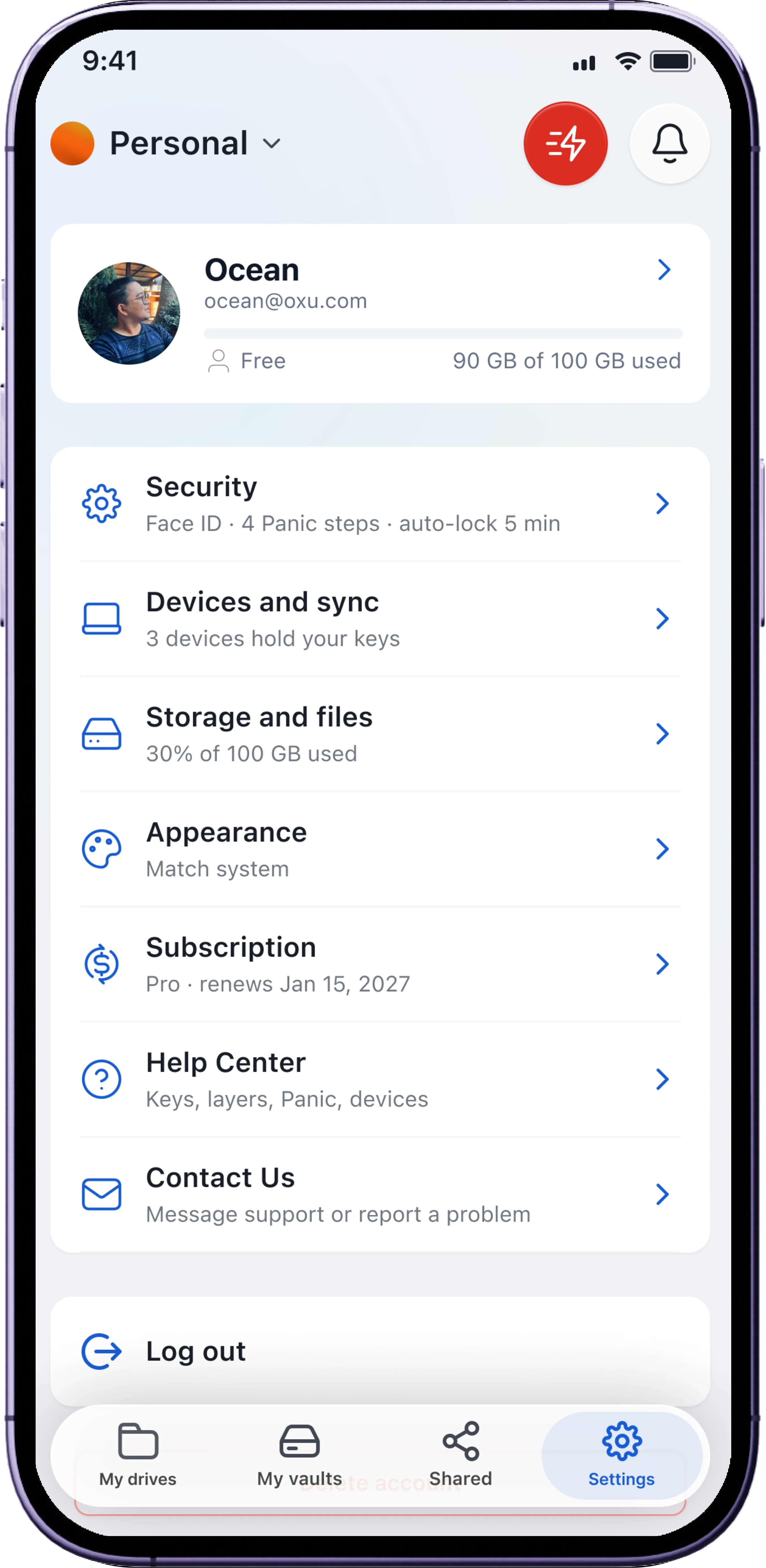
Folders, breadcrumbs, list and grid views, drag & drop — a full file manager on your Mac where every file stays encrypted.
Layered protection that keeps your files private on Mac and iPhone — even when you’re under pressure.

Each layer has its own cryptographic boundary. Compromise in one layer never exposes another.

An alternate unlock path that reveals non-sensitive content when you must “open” a drive under pressure.

One rapid action hides and unmounts drives and clears volatile traces — while your data at rest stays safe.
From personal documents to work you share every day.
IDs, contracts, tax records and medical files — in an encrypted vault only you can open.
Assign roles, set a share password and an expiry — access ends when the project does.
If you are forced to unlock, a Shadow layer shows decoy content while your real files stay hidden.
One subscription. All platforms. Always in sync.
Free download. Unlock full power with OXU Drive Premium.
Free download. Unlock full power with OXU Drive Premium.
Free download. Unlock full power with OXU Drive Premium.
💡 One subscription unlocks OXU Drive Premium on all your devices.
OXU Drive plugs into the products and platforms your team already trusts — storing and sharing files securely across the OXU suite without ever leaving your flow.
Drive is zero-knowledge and device-first. Your decryption keys never leave your devices; only encrypted blobs sync to the cloud. There is no backdoor — ever.
Multiple passwords for one drive, each unlocking a different data set (decoy or real). This enables plausible deniability and precise control over what a viewer can see.
One action instantly locks all drives, clears session and cache artifacts, and closes the app to a safe state — useful when you must secure data immediately.
Only with your Recovery Key. Without it, data is unrecoverable by anyone, including us. Store the Recovery Key offline and test it once.
Yes. You can enroll new devices using secure bootstrap (for example, your Recovery Key). Sync transfers only ciphertext; keys remain local to each device.
Yes. You can create, open and edit drives offline. When you reconnect, encrypted changes sync according to your settings.
Encrypted by default. Available on Mac and iPhone.
iOS 17+ · macOS 13+ · Free to start


